Publishing a Studio page
Edited
You must publish Studio pages for them to be available on your portal.
After publishing, the page will be searchable and accessible to visitors, according to its access configuration.
If the page had already been published, what you publish will replace what was already online.
Note that before you can publish a page, you must configure the page information, as well as the page access settings. For more information, see Configuring page information.
Publishing a page
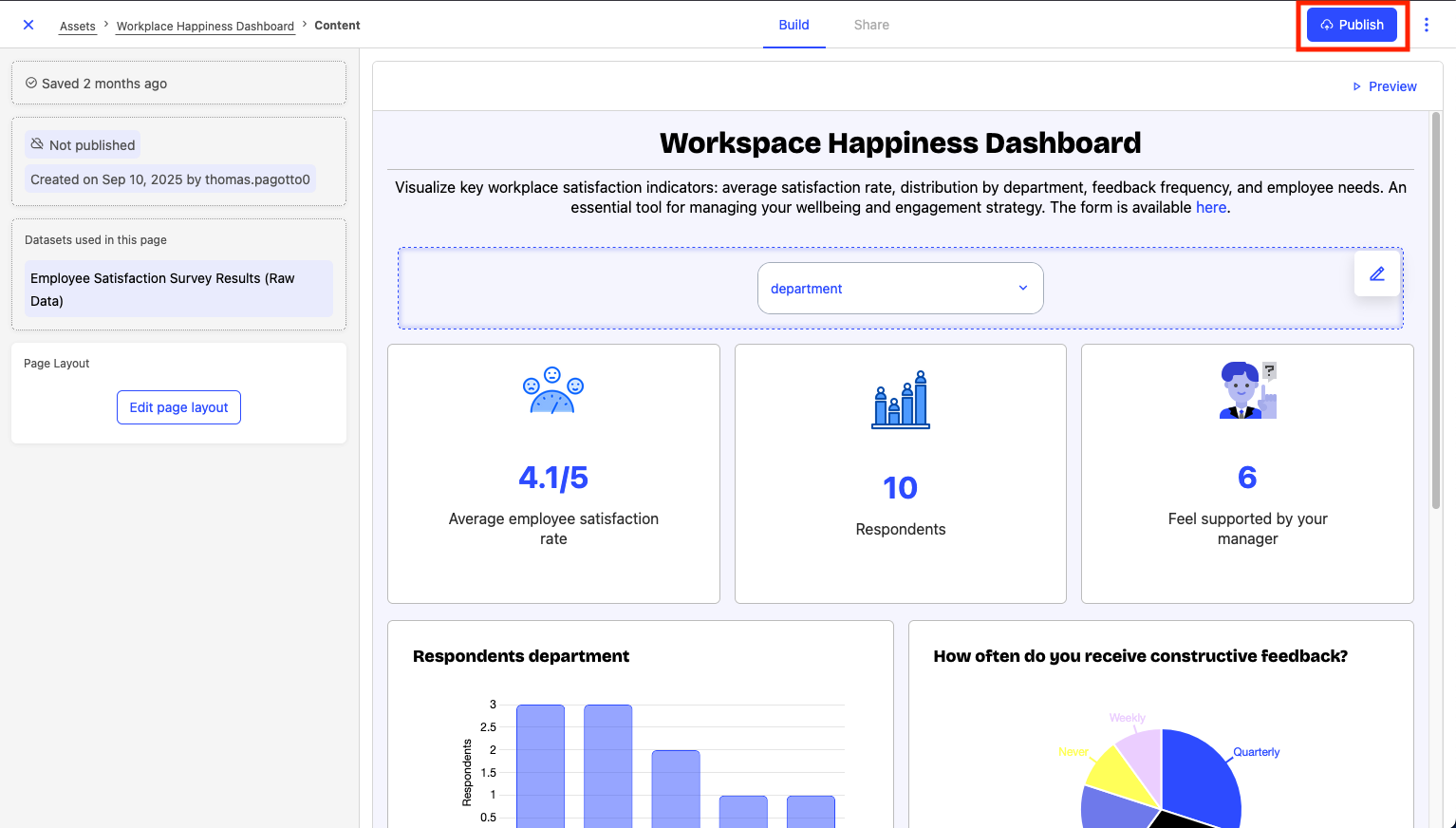
You can publish a Studio page from asset page, from the content page where you edit it, as well as from the preview of your page.
In all cases, click Publish in the upper-right-hand corner.