
Databricks harvester
Use this harvester to make the tables of a Databricks catalog explorable in your marketplace without copying their records into Huwise. The harvester turns each managed table into a zero-copy dataset.
See Zero-copy data sharing (virtualization) to learn what users can do with these datasets.
This harvester is part of the zero-copy data sharing add-on, available on Advanced and Ultimate plans. Contact your Customer Success Manager for more information.
Parameters
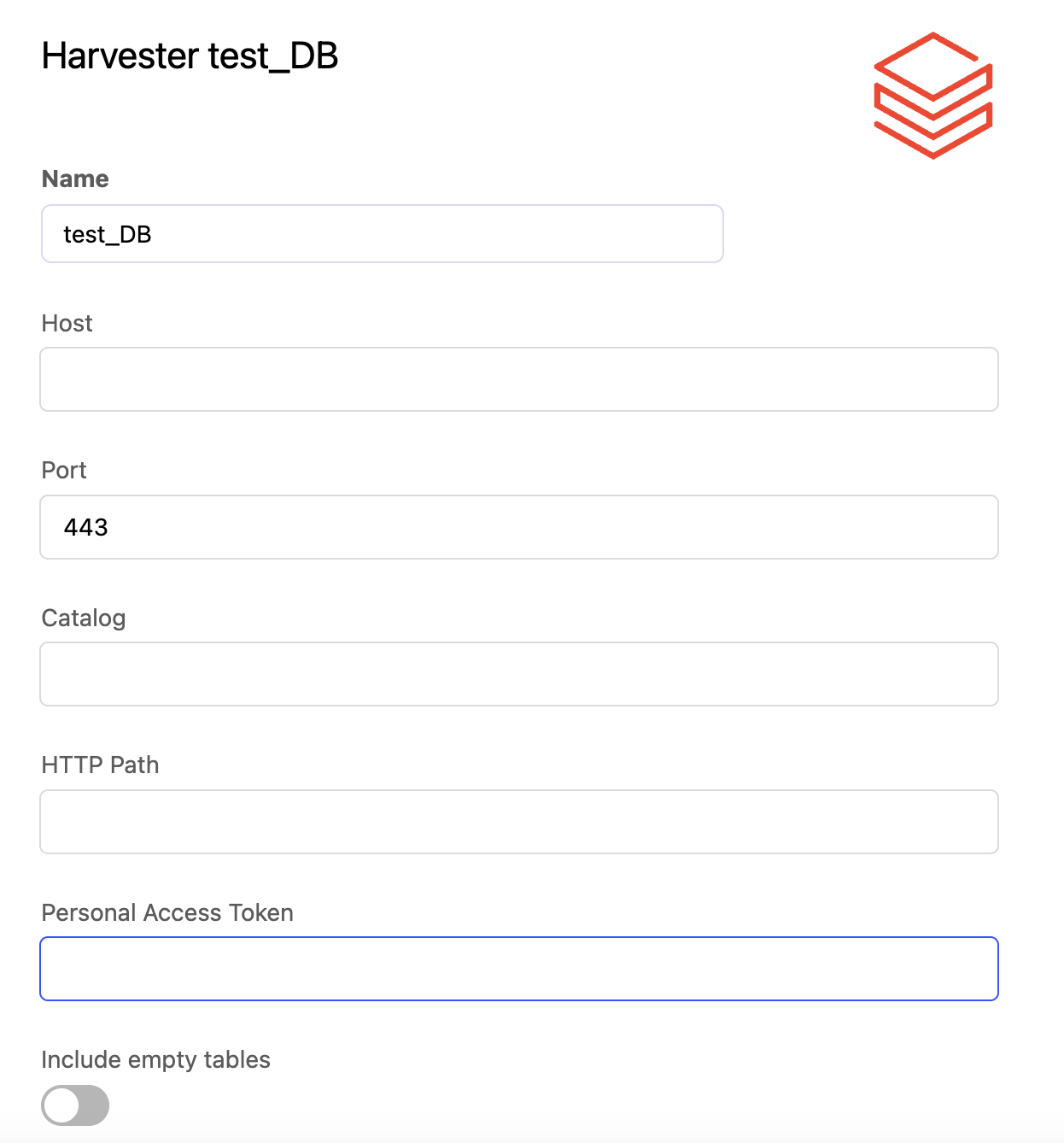
Name | Description | Example |
Host ( | Your Databricks warehouse or cluster host, from its connection details |
|
Port ( | The port, from the same connection details |
|
Catalog ( | The catalog whose tables you want to import. Every schema is included. |
|
HTTP Path ( | The HTTP path, from the same connection details |
|
Personal Access Token ( | A Databricks personal access token that can read the catalog | |
Include empty tables ( |
To find the host, port and HTTP path, see "Retrieve Host, Port and HTTP path fields" in Databricks connector.
Metadata
Each zero-copy dataset gets its title and description from its table. For example, the orders table in the sales schema becomes a dataset titled sales.orders, with the table's comment as its description.
The harvester fills in the following metadata, and these mappings can't be changed. You can complete the other metadata yourself, for example themes or keywords, before publishing. The technical IDs are provided for those working with the APIs.
Databricks source | Databricks source in the API | Huwise metadata | Huwise field ID in the API |
The table's schema and name, as |
| Title |
|
The table's comment |
| Description |
|
The table's creation date |
| Creation date |
|
The table's last modification date |
| Modification date |
|
Always "Data" | Built by the harvester | Category |
|