Modifying the ownership and permissions of a federated dataset
Once a federation has been created, can a different user modify it? Yes, provided that they can edit the federated dataset and change the permissions used by the federation.
Modification possibilities
When a federated dataset is created, the permissions used to access the remote dataset are tied to the user who initially configured the federation. But later, a different user may wish to modify the filters, or even completely change the remote dataset.
This is possible to do, but the subsequent user has to modify the federation's permissions settings so that the federation uses their permissions instead of those of the federation's creator.
Modifying the federation's permissions settings
First, click on your federated dataset. Then click on Edit content.
Within the Source tab, click on the source. The following view is then displayed, where you can click on the Permissions button in the top-right corner.
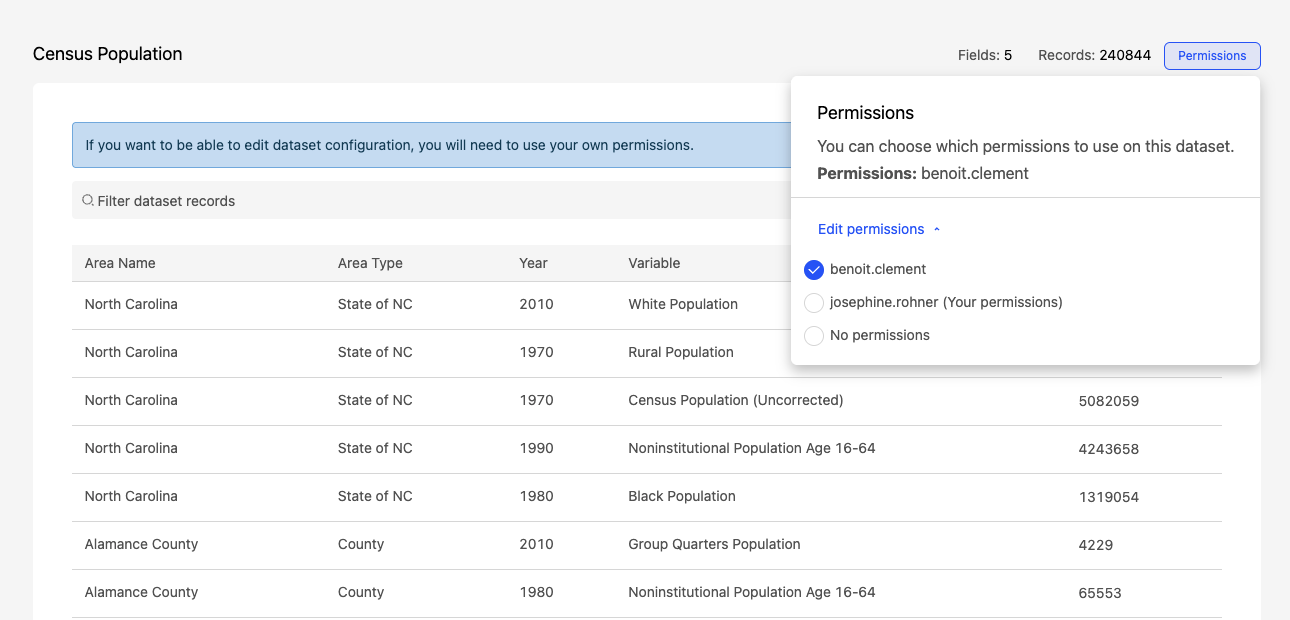
Click on Edit permissions to modify whose permissions are used for the configuration. In our example, if the permissions were previously those of Benoit Clement, you can choose to either use your own permissions or to not use any permissions.
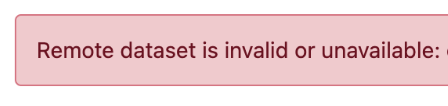
Note, however, that depending on the remote dataset's security settings, it may not be accessible using your permissions or no permissions. In that case, you cannot modify the federation configuration and will get an error message: "Remote dataset is invalid or unavailable..." (below).