
Managing identities
The Identities tab is available only if SSO is enabled on the portal under Access > SSO.
From the Identities tab of your account, an authenticated user can manage their SAML identity or link their Huwise account to a SAML or an OpenID Connect (OIDC) identity.
The content of the Identities tab depends on the type of user. There are three types of users in Huwise: Huwise users, local users (SSO), and linked users.
For more information, see Setting up Single Sign-On (SSO) on your portal.
The Identities tab for Huwise users
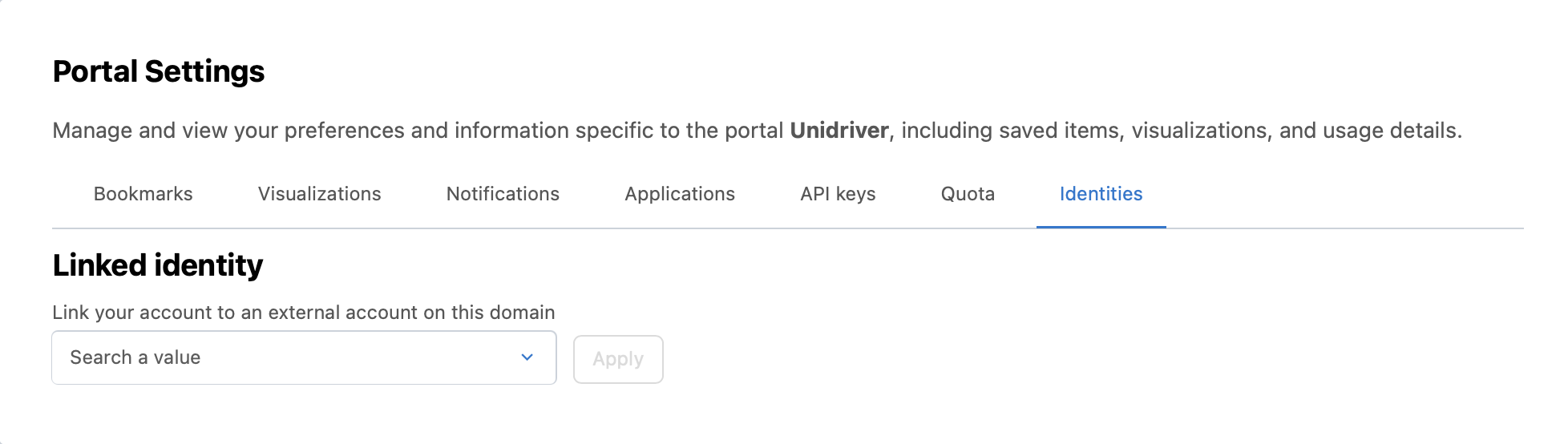
For Huwise users, the Identities tab contains links that allows Huwise users to link their Huwise account to an external identity. It makes them become linked users, which changes the content of the Identities tab.
Choose the appropriate SSO provider and click on Apply to start the process linking your Huwise account to your SSO account.
The Identities tab for local and linked users

For both local and linked users, the Identities tab contains a link to manage external identities.
For linked users only, a Revoke identity button is also displayed to the right of the provider. It allows to revoke an identity without deleting the Huwise account, and makes the linked users become Huwise users.