
Adding a map block in Studio
Edited
Studio makes it easy to create two types of map: maps with points or shapes and choropleth maps. Each of these map types offers a unique way of viewing and sharing geo-spatial data.
Maps with points, shapes, or lines
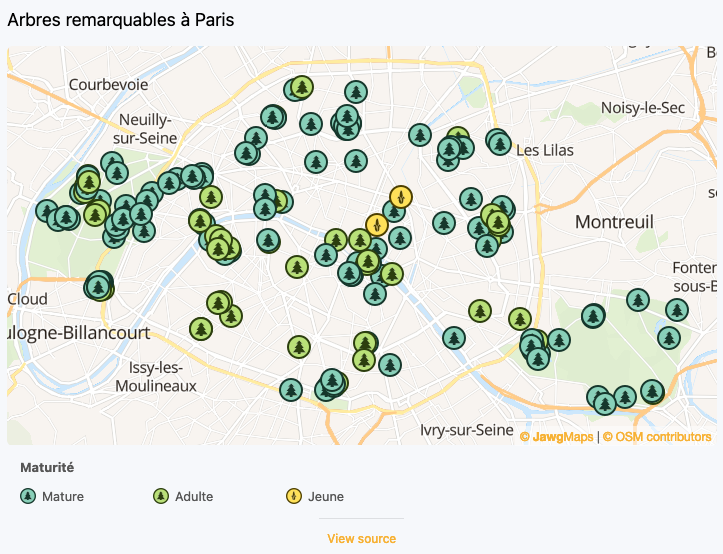
Maps with points or shapes highlight specific locations or areas. They are well suited to showing localized information—such as shops, monuments, or hotels—or broader geographic zones like regions or states.
Follow this link to learn about creating maps with points, shapes, or lines.
Choropleth maps
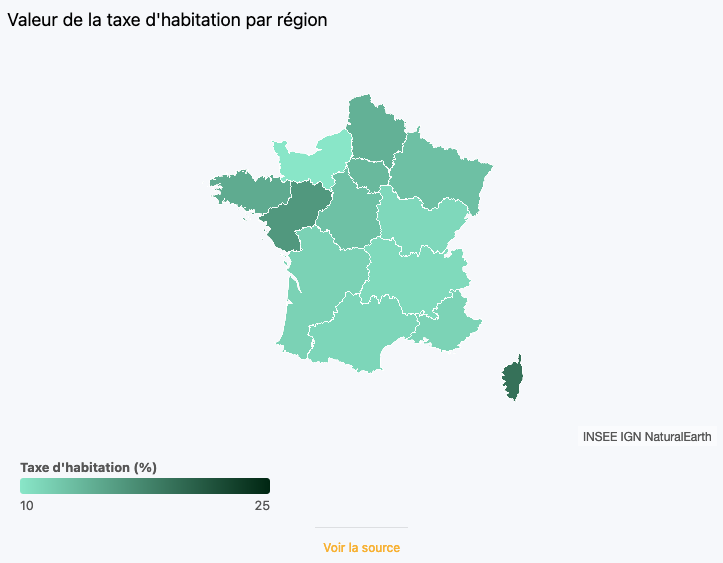
Choropleth maps are used to visualize statistical and geographical data. They use colors to represent geographical regions and display numerical information, such as population density, growth rates or other indicators, according to the region.